Ripping Data CDs Semi-Automatically
I recently was given 200+ compact discs (CDs) to digitize. There are services which do this for between $1.15 and $2 per disc which I find unacceptably expensive so I resolved to learn how to do it myself.
I was surprised by my difficulty in finding online instructions on the process but eventually found I was able to accomplish the task with the following tools:
- A USB CD reader - in my case Dell USB DVD Drive-DW316
- ImgBurn to rip files from the reader
- IZArc to inspect the generated bin or cue files
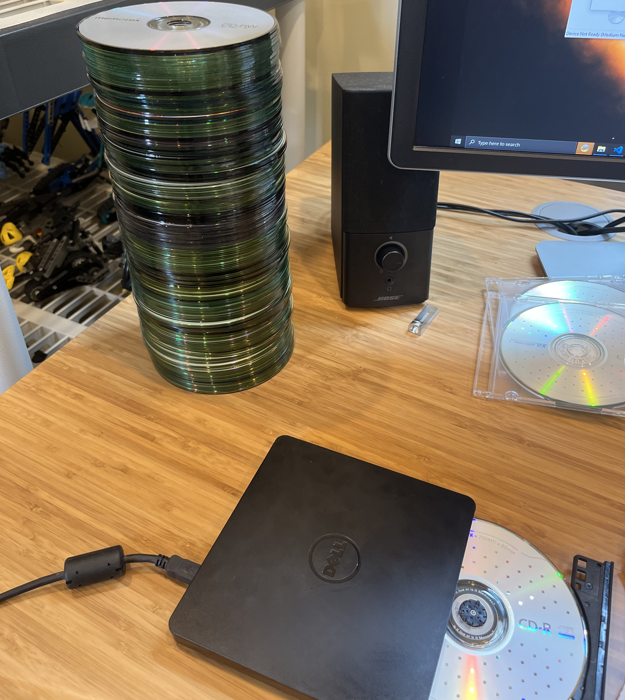
Setup
- Install ImgBurn
- Open Tools > Settings…
- Under the Read tab:
- On Page 1, set your Default Destination to where you want the files to go
- On Page 2:
- Check “Insert Next Disc - Auto ‘OK’” and adjust slider to 1 second
- Check “Replace File - Auto ‘Rename’” and adjust slider to 1 second
Ripping
- Insert a disc into the drive and select “Create image file from disc”
- Once the drive ejects, repeat until you have processed all the discs
I recommend backing up the files before destroying or recycling the discs to minimize chances of data loss.